


How to make Happy Holiday Card in PowerPoint
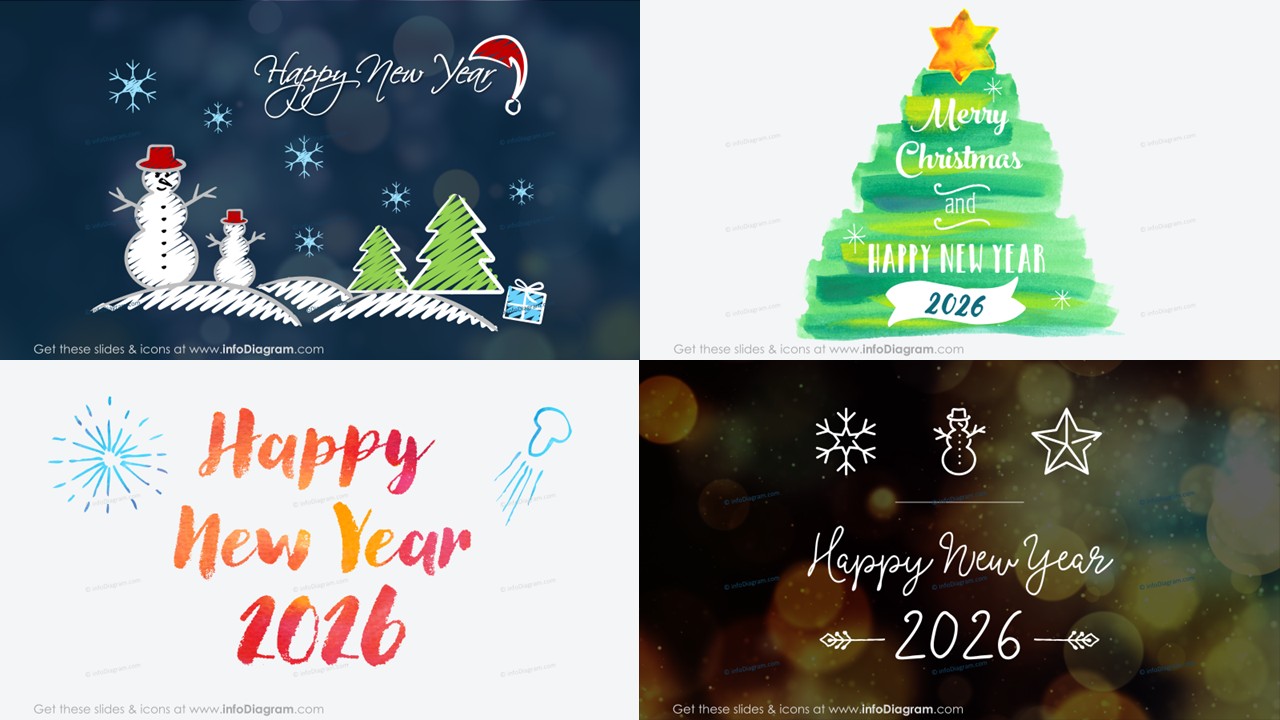
With approaching Christmas and New Year celebrations, you may want to create a personal greeting card.
You can do it pretty quickly using PowerPoint and some Holiday graphics that you can reuse.
Create a presentation slide with your greeting message, add a picture of your team, and adapt icon colors to your brand ones. See the examples below.
Creating a personal greeting card or graphics is easy.
- Once you get the seasonal graphics, add your wishes and message over the thematic background.
- Modify the graphics to your liking. Most elements such as icons are freely movable and you can recolor them (because those are vector shapes)
- In the end, export the final slide
- The best way is to save a specific slide as a JPG bitmap picture (because with our watercolor shapes JPG format has better compression, the file will be smaller). The bitmap files can be sent without problems as email attachments or published on the website.
See our Step-by-step guide on how to create such Winter Holidays card in a few minutes.
You can get those seasonal PPT graphics free, if you are our client or partner or you are in our newsletter (contact us if you are interested to get this Christmas and New Year PPT graphics).
Here’s an older visual instruction about making personal cards in PowerPoint:
Wishing you Happy Holidays and a creative upcoming year!
Izabela & Peter – designers & trainers from Prezentio